Keep one live, clash-free timetable all year: safe mid-term edits, morning substitutions, live sharing and new sessions. A practical 2026 workflow guide.
Written by Muhammad Huzaifa, Founder of Academic Scheduler · Updated October 2026 · Insights from 350+ school onboardings
Building a school timetable is a project with an end date. Managing it is a job that runs all term: teachers fall ill, a subject needs an extra period, a new section opens, exams arrive, and next year has to start without wiping out this one. This guide is about that second job, the day-to-day running of a school timetable, and how to do it the smart way in 2026.
What is smart school timetable management?
Smart timetable management means keeping one live, conflict-free timetable as the single source of truth all year: editing it safely when things change, arranging substitutes from it each morning, sharing it as live links instead of printouts, and starting each new academic year as a separate session. Academic Scheduler does all four in one cloud app.
Why Timetable Management is Important for Schools
Managing school timetables can be challenging, especially when dealing with multiple classes, subjects, and teachers. A poorly organized schedule leads to confusion, wasted time, and unnecessary stress for both teachers and students. In our onboarding calls, the pain is rarely the first build. It is week six: the timetable has been patched many times, several versions are in circulation, and nobody is sure who is free in Period 4.
What is Academic Scheduler?
Academic Scheduler is cloud timetable management software for schools, colleges, coaching centres and academies, used by 350+ institutions. It helps you create, manage, and organize timetables with just a few clicks, with an intuitive interface that reduces manual errors and keeps the academic flow smooth. If you are still choosing a tool, our timetable management software overview covers the features in full. Below, we focus on running a term.
Managing the timetable across a term: a practical workflow
| When | Task | Where in Academic Scheduler |
|---|---|---|
| Before term | Set up the session and the basics | Academic Sessions, Periods, Subjects, Teachers, Classes |
| Week 1 | Build and publish the timetable | Schedules (Edit Mode), Share, Download |
| Every morning | Check the day and arrange cover | Daily Timetable, Substitution |
| Mid-term | Make changes without clashes | Schedules (Edit Mode), period details panel |
| Exam season | Plan exam papers | Exam Timetable |
| Year end | Start next year, keep this one | Academic Sessions (New Session, copy data) |
1. Before term: one session, clean basics
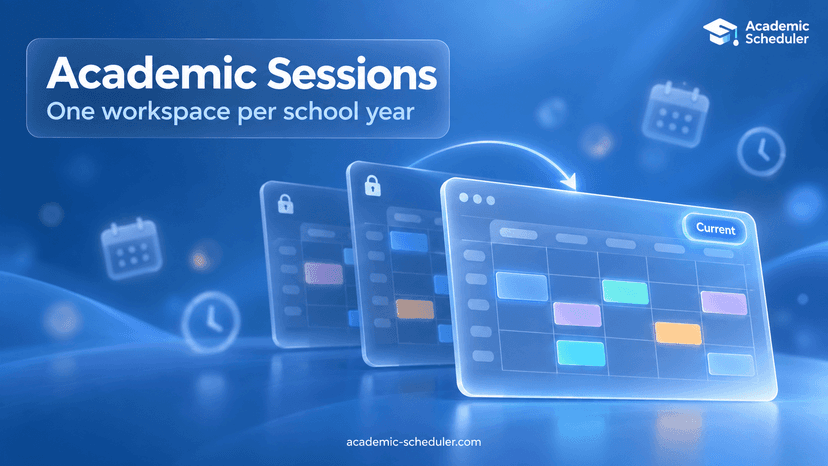
Each academic year is its own session (for example 2026-27) with its own classes, teachers, subjects, periods, timetable and exams. Set up periods with start and end times, add subjects, add teachers with the subjects they can teach and their availability, then create classes and assign each subject a teacher. More on this in academic sessions.
2. Week 1: build once, publish live
Open Schedules, choose a class and turn Edit Mode on. A teacher cannot be booked into two classes in the same period, so clashes are prevented as you go. Teacher timetables are generated automatically from the class timetables. Then publish: each class or teacher timetable can be shared as a password-protected live link with a QR code, or downloaded as PDF or Excel.
3. Every morning: the day view and substitutions
The Daily Timetable shows the whole school for one day, class-wise or teacher-wise. When a teacher is absent, the Substitution page lists each of their lessons and the teachers free in each period, and emails the chosen substitute the details.
4. Mid-term: change without breaking things
Turn Edit Mode on, change the lesson, and save. Because shared links load the current timetable, teachers see the change without you resending anything. To check a slot before you change it, turn Edit Mode off and click the period: a panel shows which teachers are teaching and which are free at that time across the school.
5. Exams and year end
Plan papers in the Exam Timetable. At year end, create a New Session and copy subjects, periods, teachers, classes and even the timetable from the old one. The old year stays available read-only, so you can always look back.
Key Features of Academic Scheduler
- Easy Scheduling: create and manage timetables in minutes, with AI help to fill empty periods on plans that include it.
- Conflict-Free: avoid double-booking teachers while you build.
- Substitutions: free teachers per period, with one-click email.
- Accessible Anytime: cloud-based, available 24/7 in English and French.
- Sharing and Export: live password-protected links and QR codes, plus PDF and Excel downloads.
- Academic Sessions: every school year kept separate, with data copied forward.
Benefits for Schools
- Save hours of administrative work all term, not just at the start
- One version of the timetable that everyone sees
- Faster cover and fewer conflicts or last-minute surprises
Frequently Asked Questions
What is timetable management in school?
It is the ongoing work of keeping the school timetable accurate after it is built: making changes, covering absences, sharing updates with staff and students, and rolling over to the next academic year.
How do I update the timetable mid-term without creating clashes?
In Academic Scheduler, open Schedules, turn Edit Mode on and make the change. A teacher already teaching another class in that period cannot be selected, so the edit cannot create a clash.
How should a school handle teacher absences?
Use the Substitution page: select the absent teacher and the day, see who is free in each period, pick a substitute and email them the class, subject and period.
What happens to the timetable at the end of the school year?
Create a new academic session and copy the data you want to keep. The previous session stays available as a read-only record.
Contact Us Today
Ready to simplify how your school runs its timetable all year? Start your free trial, or contact Academic Scheduler and experience stress-free timetable management.